Build the course once, teach it every term
Author your curriculum chapter by chapter, set the quizzes and assignments that go with it, grade and answer in one place, and follow every trainee's progress as it happens.
Tools that give you the hour back
Authoring, assessment, communication and analytics in a single workspace.
Course authoring
Create a course, describe who it is for, attach the material and publish it when it is ready - drafts stay private until you say otherwise.
Curriculum builder
Structure the course into chapters and lessons, reorder them by dragging, and group related courses into a learning track people work through in order.
Quizzes and assessments
Attach quizzes to any chapter, reuse questions across courses, and let the platform mark them so trainees get their result immediately.
Assignments and grading
Set an assignment with a due date, collect submissions in one queue, grade them with written feedback, and release the results when the whole batch is done.
Discussions you can steer
Every lesson has its own thread. Answer once and everyone taking the course sees it, instead of answering the same question ten times over email.
A content library you reuse
Keep your documents, slides and media in a shared library and pull the same file into any course, instead of uploading it again for every cohort.
Course assistants
Bring in a co-instructor for a course and decide exactly what they can do - grade, answer discussions, or manage sessions - without handing over the whole course.
Live and offline sessions
Schedule a live online class or an in-person session for any lesson, share the joining link, and see who actually showed up with automatic attendance.
Certificates you configure
Decide whether a course awards a certificate, require a passing exam score if you want one, and trainees get a verifiable certificate the moment they qualify.
Teaching analytics
See who has started, who has stalled and which chapter people drop on, with quiz and assignment results broken down per trainee and per course.
Leaderboard and motivation
The achievements and leaderboard your trainees see are driven by the work you set, so progress on your course is what actually earns them.
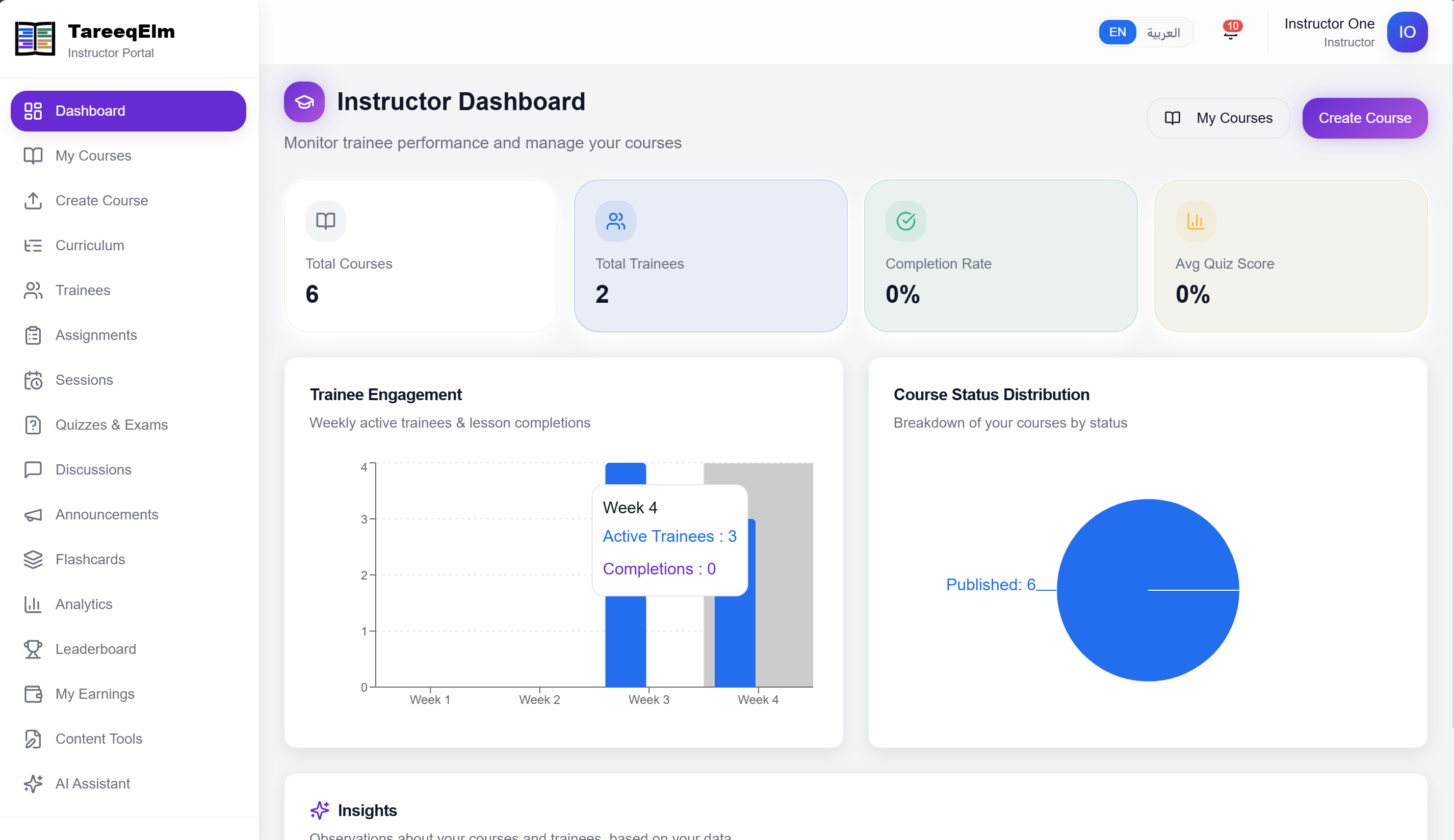
What it looks like
Real screens from the instructor side of the platform.
Move your course over
Create an instructor account and build your first chapter today, or ask us about running your whole teaching team on Tareeq Elm.